Runtime
Your code is built into its own isolated runtime and kept running — no build setup, no VPS to patch.
Write it in Python with Pywa. Run one command. Pywa Cloud builds the runtime, secures the webhook, and keeps it running — no server, no webhook infrastructure, no DevOps.
Early access — we're inviting testers as onboarding capacity allows.
This is the whole loop — nothing hidden behind the ellipsis.
from pywa import WhatsApp, filters, types
wa = WhatsApp(
    phone_id=os.environ["PYWA_PHONE_ID"],
    token=os.environ["PYWA_TOKEN"],
)

@wa.on_message(filters.text)
def echo(_: WhatsApp, msg: types.Message) -> None:
msg.reply_text(f"You said: {msg.text}")$ pywa deploy ✓ Built & started — 8s ✓ Webhook configured POST /webhook → 200 11:24:03
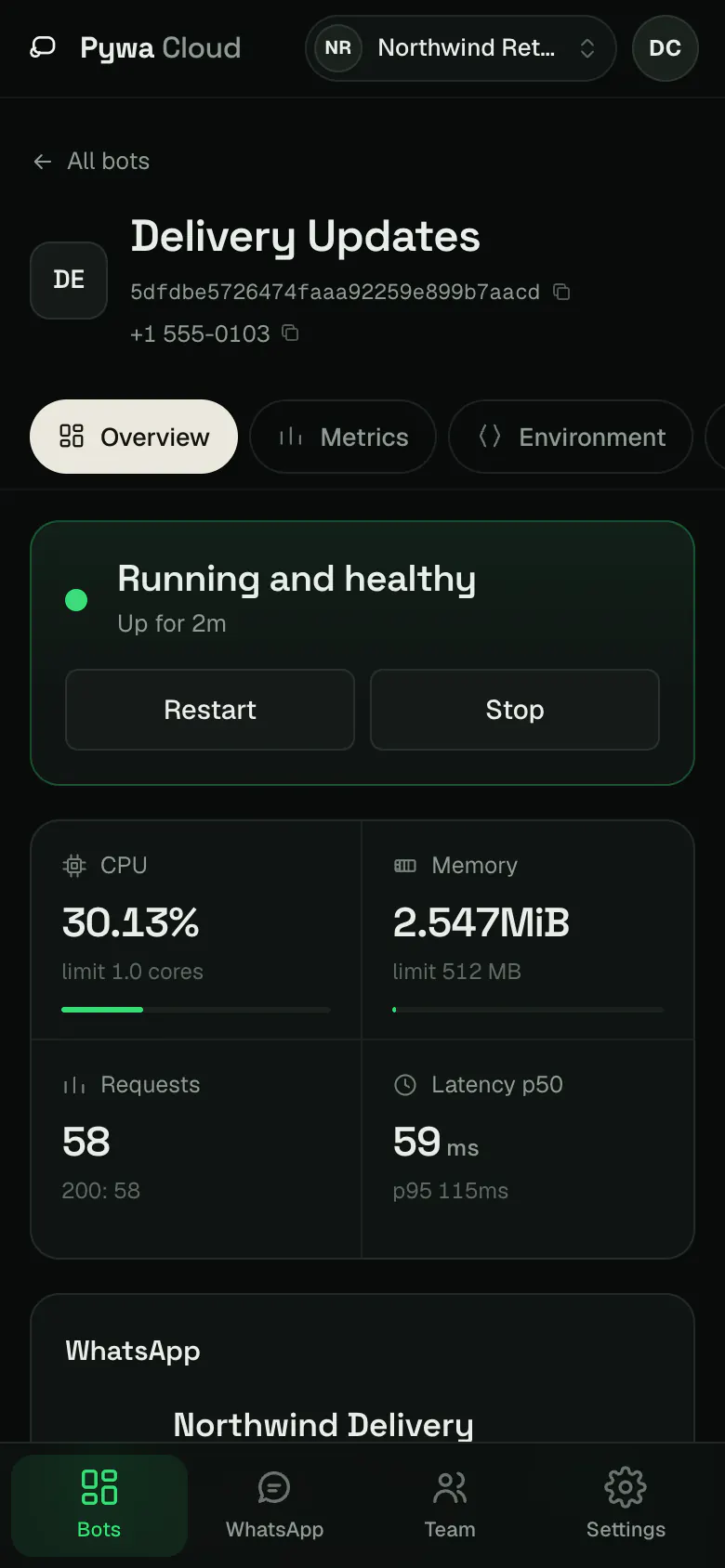
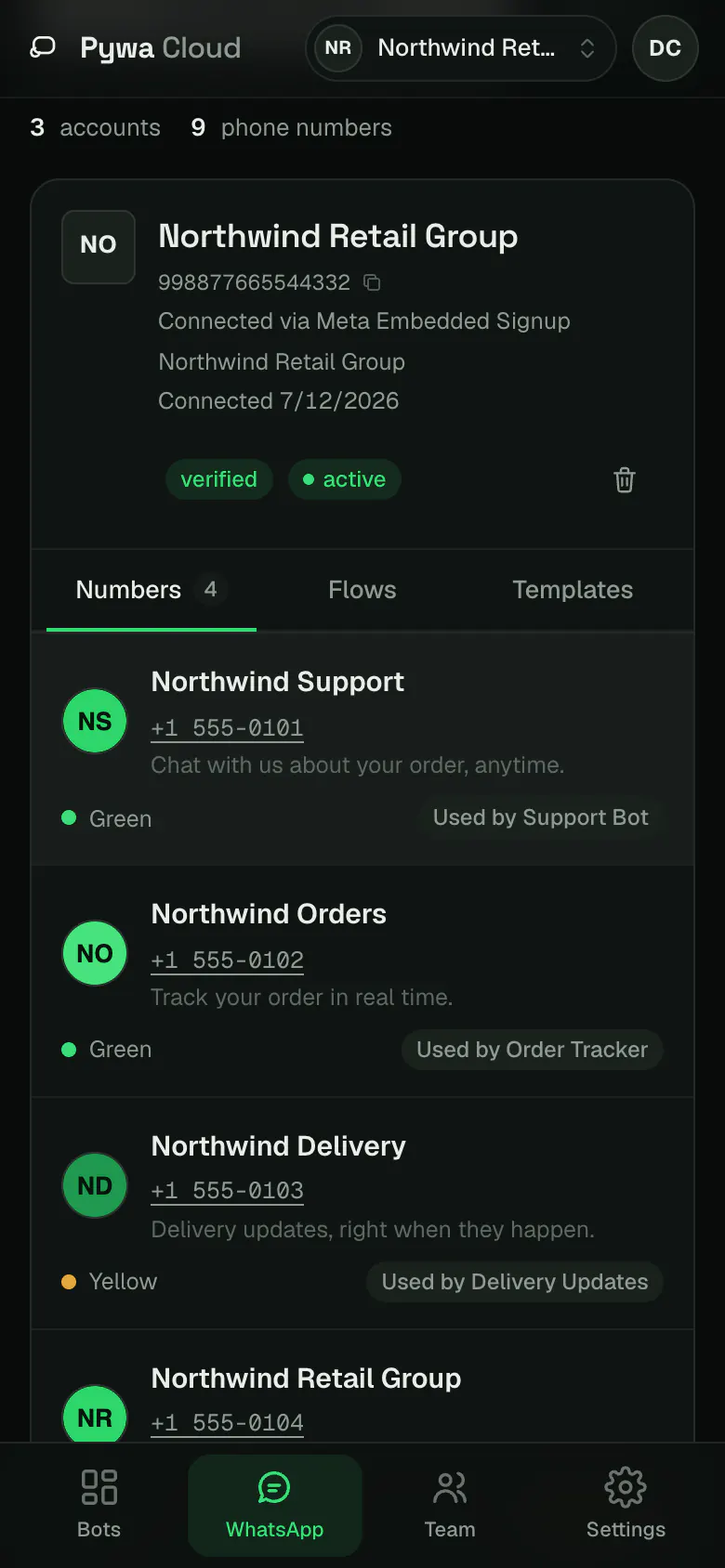
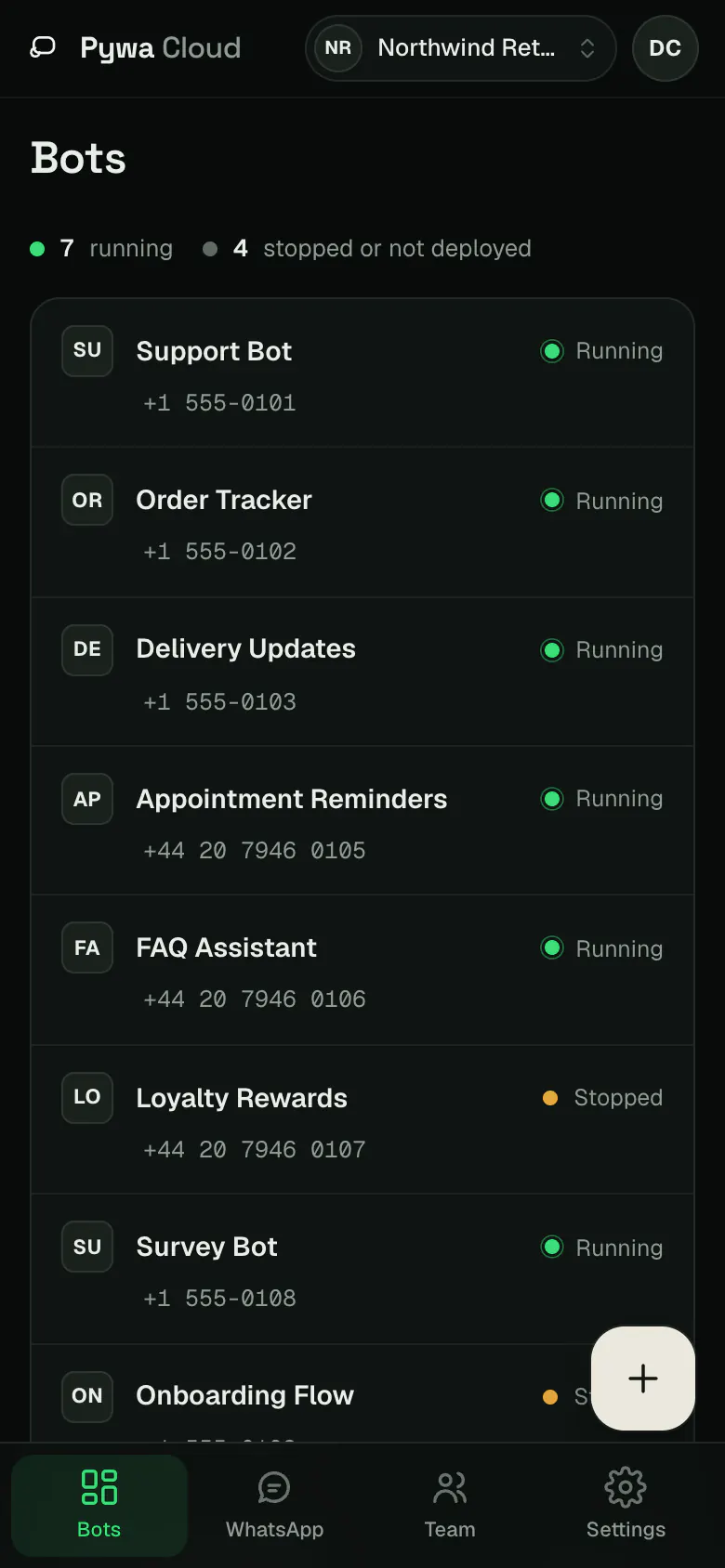
Every bot, deployment, and WhatsApp connection is visible in one place — on your desktop, and just as usable from your phone.
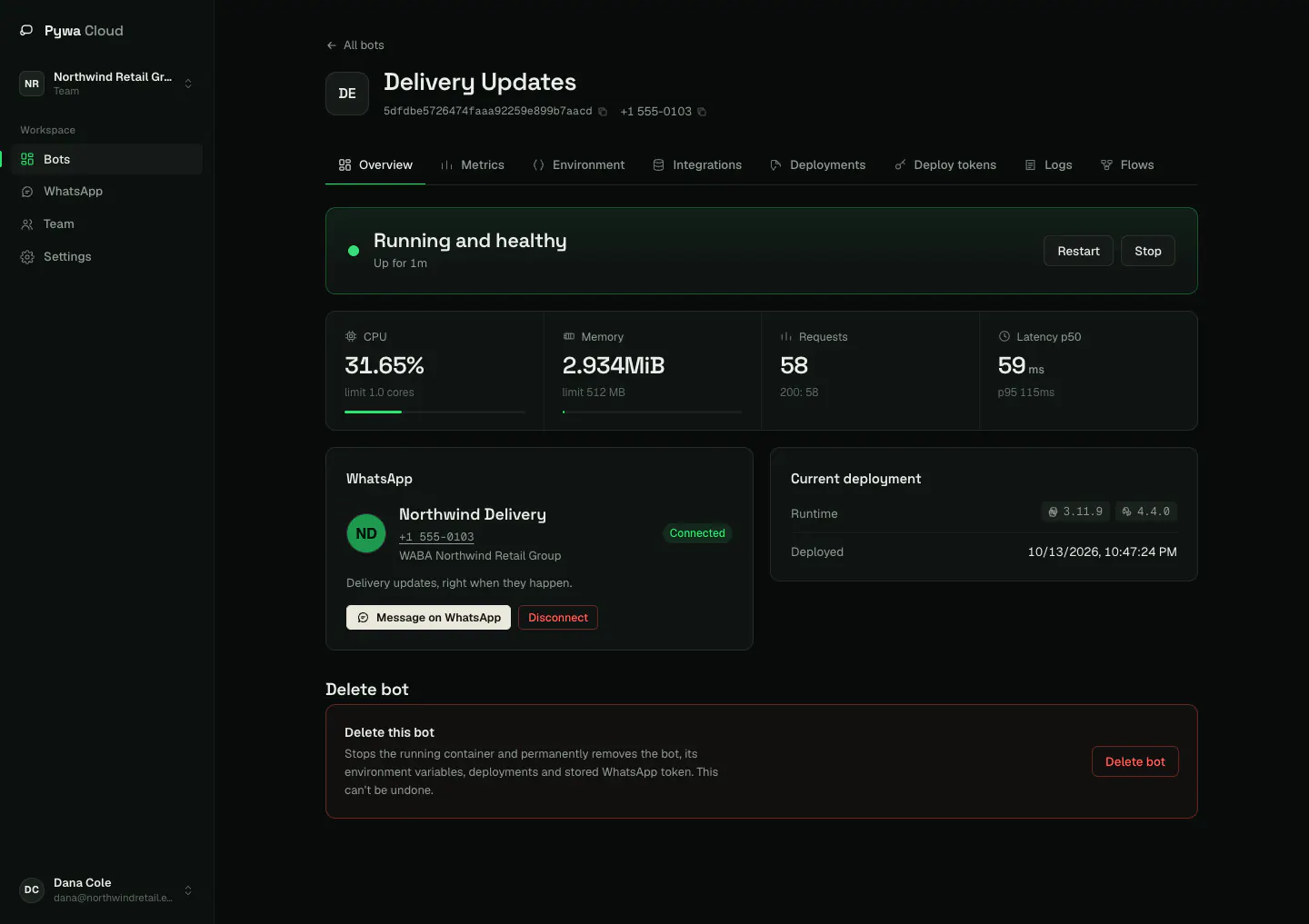
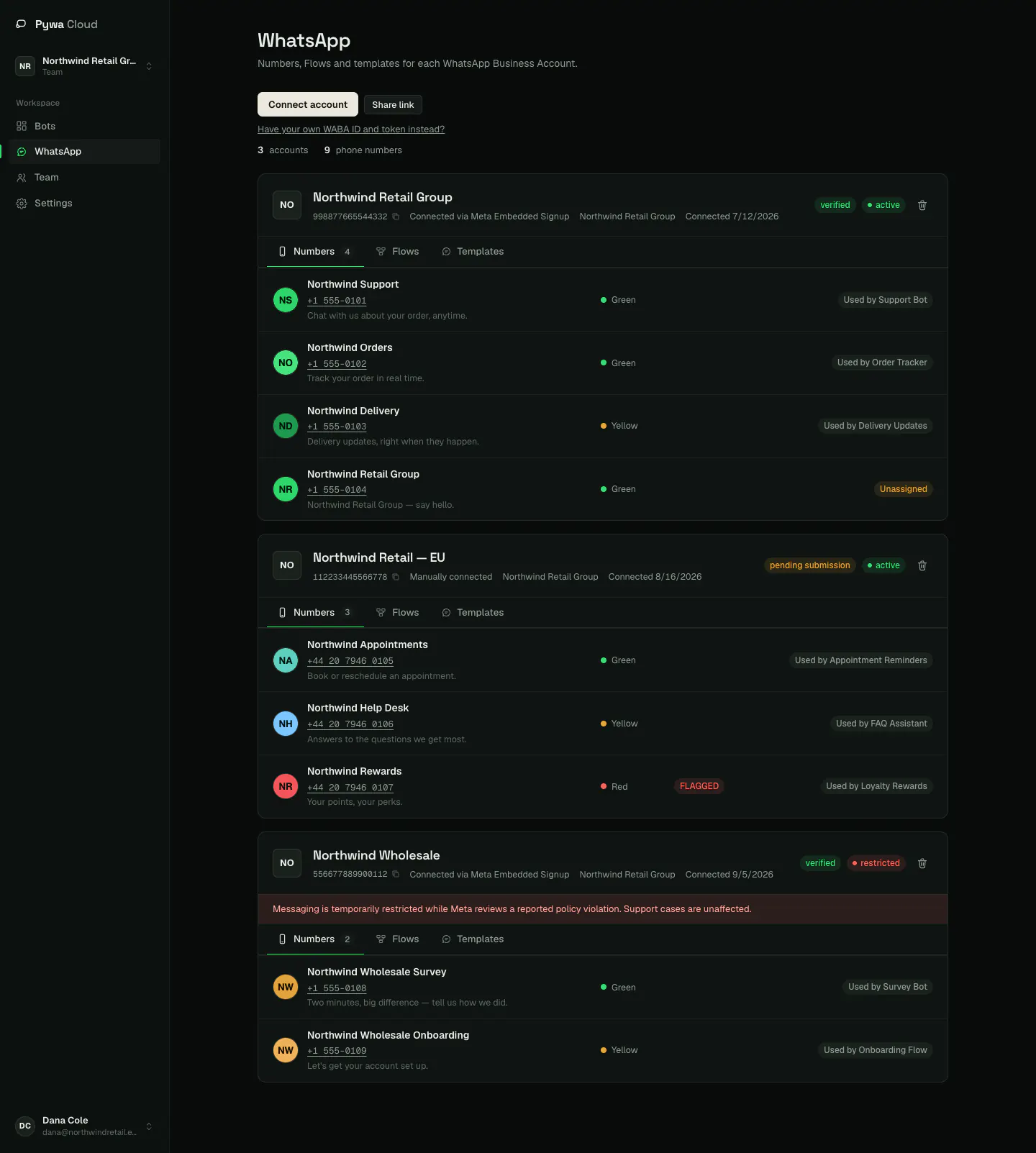
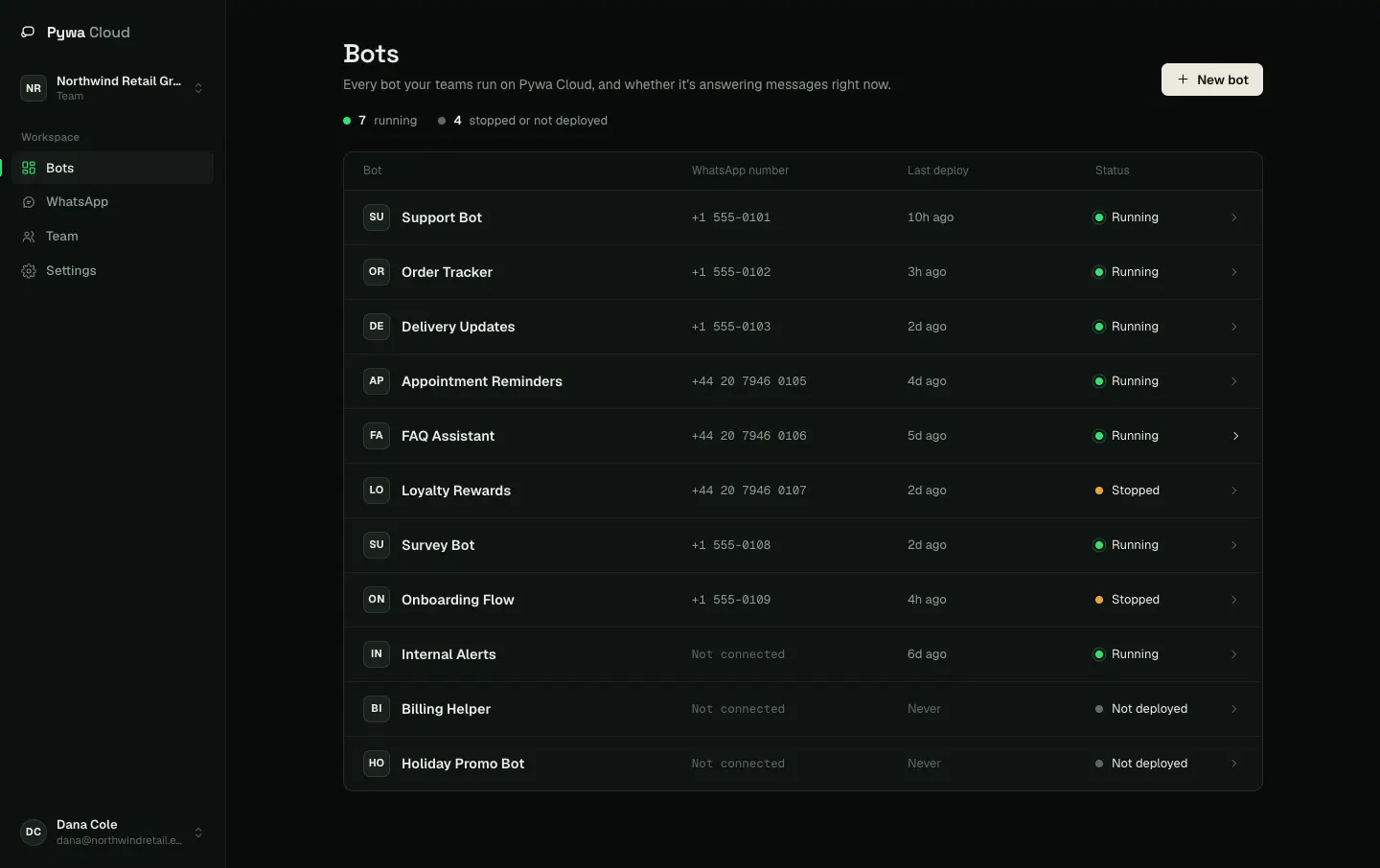
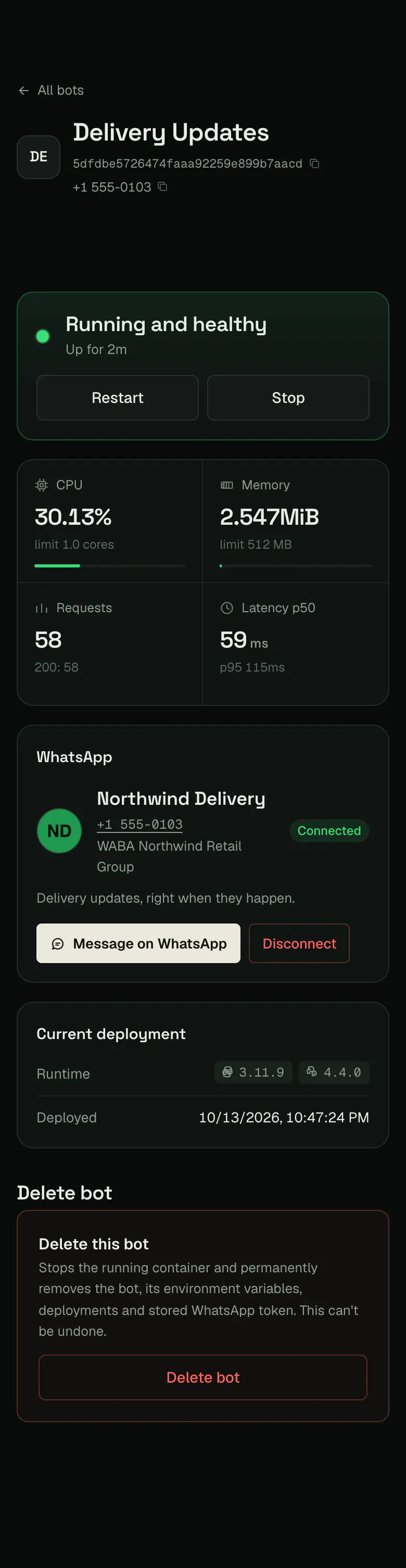

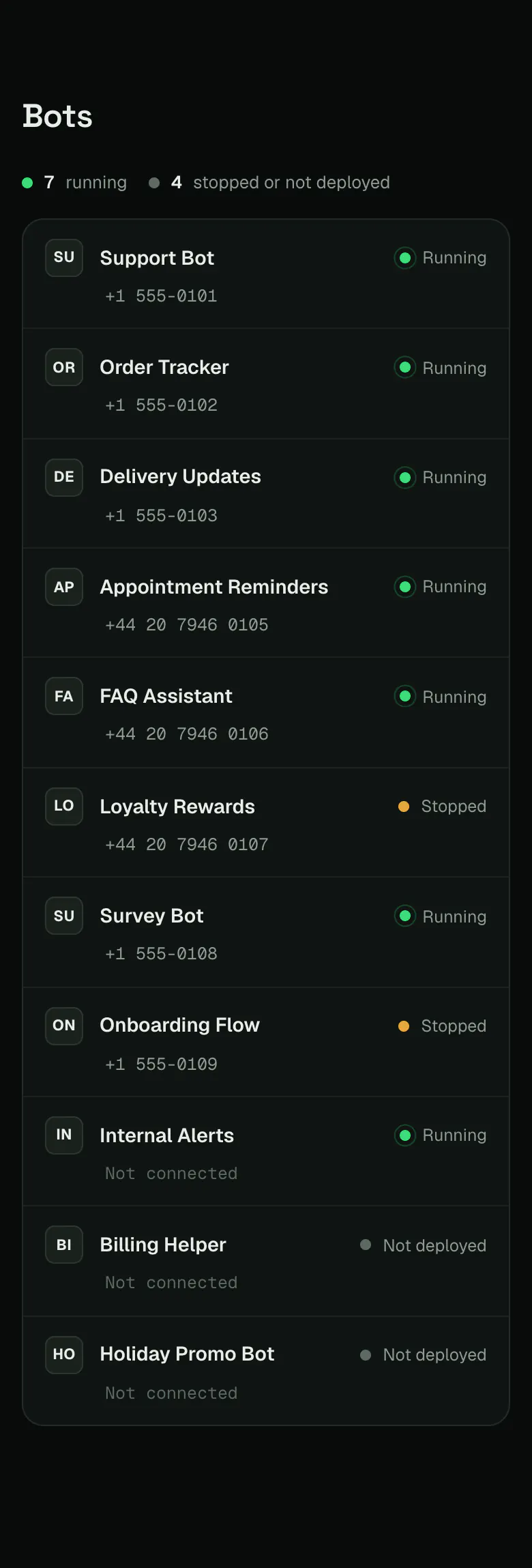
A bot's overview — live health, CPU / memory / request metrics, the connected number and the current deployment.
Everything between your code and WhatsApp — runtime, webhook, connection, logs, isolation — is Pywa Cloud's job, not yours.
Runtime. Secure webhook. WhatsApp connection. Logs. Isolation. Deployments.
Your code is built into its own isolated runtime and kept running — no build setup, no VPS to patch.
Requests are verified at Pywa Cloud's boundary before they're proxied to your container.
Connect a Business number through Pywa Cloud's own Meta app — no Meta developer setup.
Every deployment and every request your bot handles, visible from the CLI or the dashboard.
One container per bot on its own private network. Never shared across tenants.
Pywa itself — the framework your bot is written against — stays fully independent and open-source. Pywa Cloud runs your code; it doesn't own it. Nothing ties your bot to this platform, and you can always run the same code yourself.
Every request from WhatsApp passes through validation at Pywa Cloud's boundary — before it ever reaches your code, and without your bot having to implement any of it.
This is container isolation on a shared host, not VM-level isolation — and it hasn't had an independent security audit yet. We'd rather tell you what this does and doesn't protect against than round it up. Full detail on the security & isolation page.
Add one flag to the command you already run. pywa dev --tunnel starts your bot
locally and, in the same step, reroutes this bot's live webhook traffic here — no ngrok, no second terminal,
no repointing the callback URL in Meta's dashboard.
Not running pywa dev? pywa cloud tunnel relays the same traffic to any local process on its own.
Stop --tunnel (Ctrl+C) and traffic flows back to the
container within moments — same URL, same already-verified request, either way.
Studio is a visual builder for Flows and message templates. It hands you the Pywa code, and with a Pywa Cloud account it can publish straight to your WhatsApp Business Account. Try the real thing below, on a small scale.
Open Pywa Studio Free, no account to start. Templates have their own builder, with review status from Meta.
Pywa Cloud is a registered Meta Tech Provider. For the standard path, you connect through Pywa Cloud's own Meta app — no separate Meta app of your own to create, configure, or keep alive.
Already run your own Meta app and system-user token? A manual connection is supported too — Pywa Cloud validates it against the real Graph API before saving it, and your credentials stay yours.
pywa deploy.
The things people ask before they try it.
Yes — Pywa Cloud is free during early access. No credit card, no pricing surprises.
No. Pywa, the framework your bot is written against, stays fully independent and open-source. Pywa Cloud runs your code; it doesn't own it, and you can always run the same code yourself.
Not for the standard path. Pywa Cloud is a registered Meta Tech Provider, so you connect a WhatsApp Business number through Pywa Cloud's own Meta app. If you already run your own app and system-user token, a manual connection is supported too.
Every bot runs in its own container on its own private network, as a non-root user with all Linux capabilities dropped and a read-only filesystem. To be honest about the limits: this is container isolation on a shared host, not VM-level isolation, and it hasn't had an independent security audit yet.
Secrets are encrypted at rest and only decrypted server-side, at deploy time, to inject into your container's environment.
Run pywa dev --tunnel. It starts your bot locally and reroutes this bot's live
webhook traffic to your machine — same webhook URL, no ngrok. Press Ctrl+C and traffic flows back to the
deployed container.
We're inviting a small number of early testers while onboarding is still hands-on. Tell us what you're building and we'll reach out.
Free during early access — no credit card, no pricing surprises.